How to delete your data from EasyShooter(ES) servers

It’s a shame that you’re leaving, but to comply with all the requirements, we have to give you full instructions and assistance in deleting your
data (っ °Д °;)っ

Start of deletion

These buttons can help you delete all or only part of your data from the ES servers

Click on the one that better describes your intentions இ௰இ

Deleting progress data

01.

To delete only your progress data, open the main menu in ES

02.

Tap on the 'gear' icon in the upper-right corner of the screen

03.

Tap on the silhouette of a person in the upper-right corner of the settings panel

04.

Tap on the trashcan icon in the lower left corner of the screen

05.

Confirm the deletion /_ \
The data will be deleted within 15 minutes
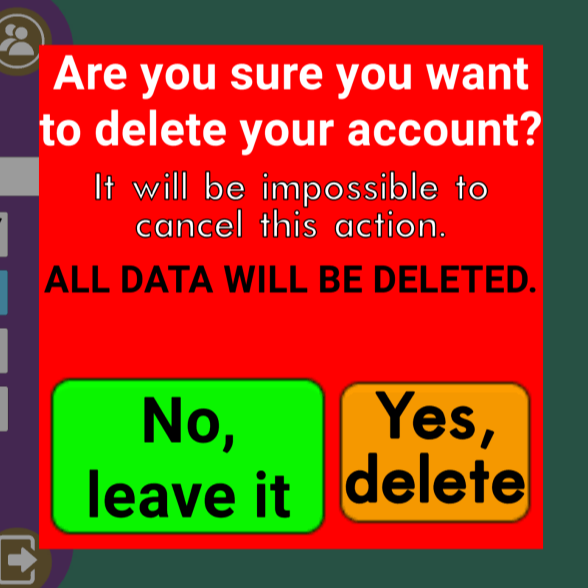
ES Progress Deletion Screen

Website Software