How to get debug data from the EasyShooter(ES) app
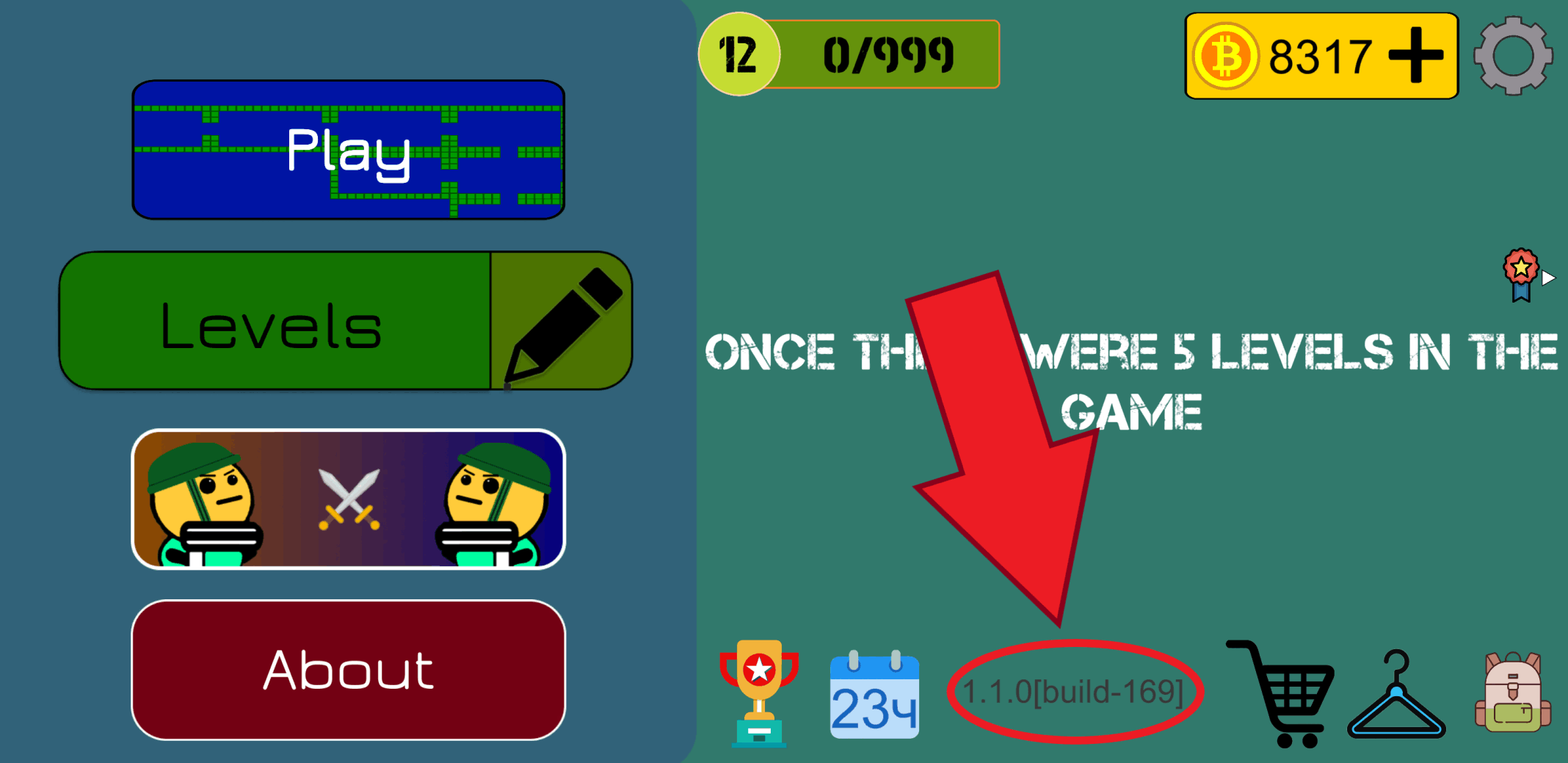
1. Open the game's main menu
This is a screen with 3 large buttons (Play, Levels and About the game) and a lot of small ones
2. Click on the text showing the game's version
You will see a notification about successful data copying
Done
The data has been copied to the clipboard, all you have to do is paste it into the message input field and send it